Windows
Version2.4.1
Architecturesx64 · arm64
SHA-2567f3a9d2c6b8e41f0a5d7c9e2b1f6843a0d9e7c2b5a1f8d6e4c3b2a9f7e1d5c8b
PGPB2E7 4A91 C6D3 8F20 5B7A E1C4 9D62 F805 A3C7 1E9B
Desktop wallet for MultiversX
A desktop wallet for managing EGLD and accessing MultiversX workflows from Windows, macOS and Linux.
We could not identify a desktop operating system on this device. All three desktop versions are listed below.
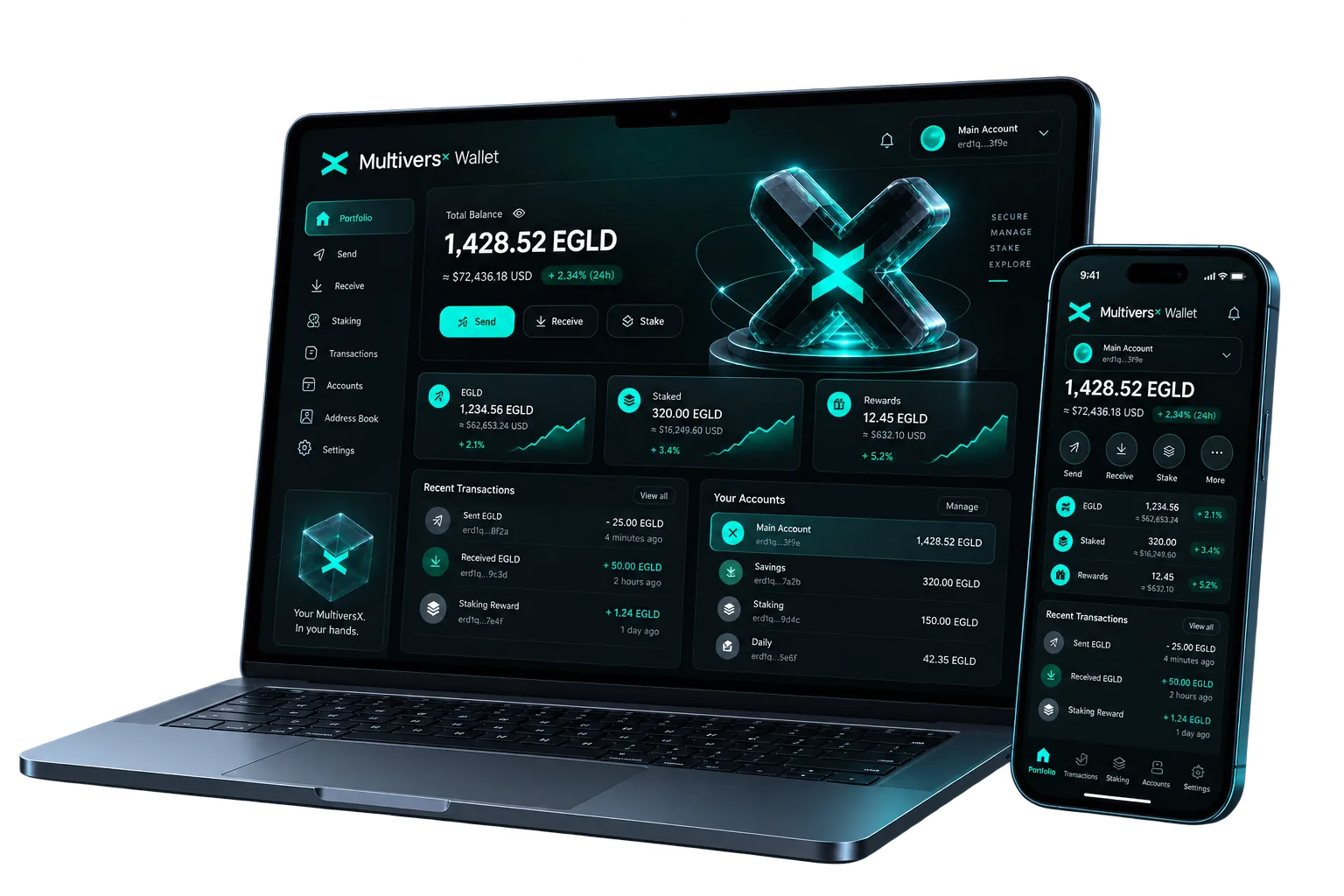
An installed desktop surface for your MultiversX accounts.
The native asset that pays for activity on the network.
Delegation mechanics explained before you commit.
Checksums, signatures and local key handling you can inspect.
Follow the EGLD/USDT market without leaving the wallet overview.
EGLD / USDT
—
Download
Choose the package for your operating system. Version details, checksums and signatures are managed from a single release source.
Desktop first
An installed application has its own window, its own lifecycle and no browser tabs competing for attention. You open it deliberately, do what you came to do, and close it.
The interface is shaped around MultiversX concepts, including accounts, EGLD, network fees and delegation.
You install a file you can verify, on a machine you control, and you review each transaction before it is sent. That chain of deliberate steps is the point of a desktop wallet.
Wallet
These are the core areas of the desktop application, organised around everyday MultiversX account activity.
View your EGLD balance and work with the native asset of the MultiversX network from a dedicated desktop surface.
Review past activity for an account so you can reconcile what happened and when.
Application level controls around wallet access, so an unlocked desktop is not an unlocked wallet.
A single overview of the account you are working with, kept readable instead of buried behind browser tabs and extensions.
Reach MultiversX staking workflows from the wallet once you understand how delegation, rewards and unstaking work.
Prepare a transfer, review every detail before you confirm, and share a receiving address without leaving the application.
Keep separate accounts side by side instead of mixing everything into one view.
Save and label the addresses you use often to reduce copy-paste mistakes.
Security
Security combines transparent layers that you can understand, inspect and verify.
Checksums and signatures let you confirm the integrity and origin of the installer.
Account material lives on the machine you installed on, which keeps control local and makes your backups meaningful.
Every outgoing transaction is presented for review before it is signed, so the details are yours to confirm.
Disk encryption, account passwords and up-to-date system patches are part of your wallet's real security surface.
EGLD
EGLD is used to pay transaction fees, to take part in staking through delegation, and to interact with applications on MultiversX.
Because EGLD pays for network activity, holding a small amount is what makes an account usable — sending, delegating and interacting all consume a fee. Understanding that role first makes the rest of the wallet straightforward.
Staking
Delegation assigns EGLD to a validator provider that helps secure the network. Review provider terms, rewards and timing rules before you proceed.
Getting started
Windows, macOS or Linux. The download page highlights the package that matches the system your browser reports.
Compare the release checksum with the file on your machine before you run it.
Follow the standard installation flow for your platform, then launch the wallet.
The first launch guides you through preparing an account and understanding the available actions.
Set up a new account or bring in an existing one using the options available in your installed version.
Check the account address, keep your backup somewhere safe, and read each transaction summary before confirming.
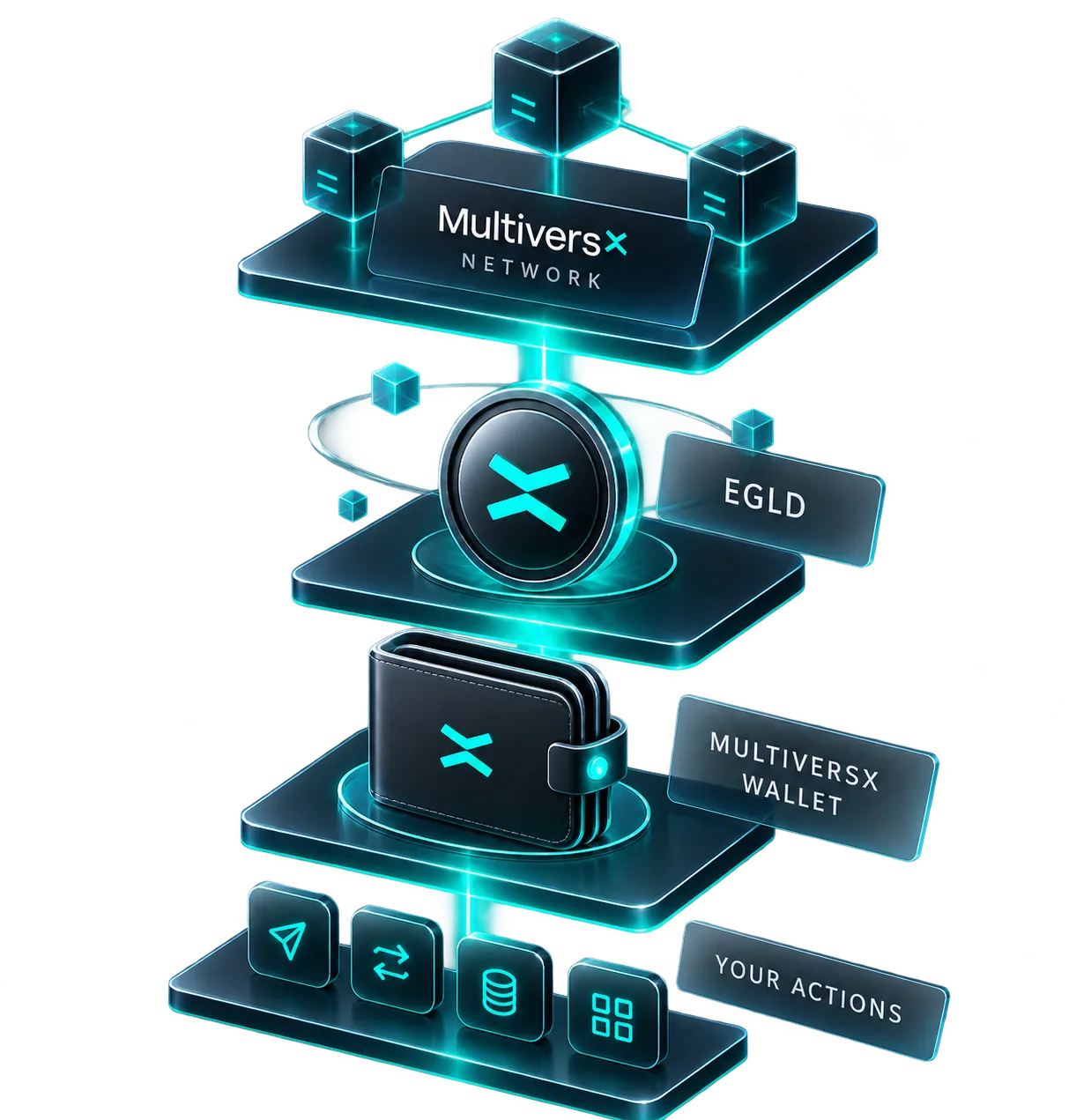
How it all connects
The network settles transactions. EGLD pays for them. The wallet is where you decide what to send. You are the one who signs.
Ecosystem
Discover infrastructure providers and exchanges presented in the MultiversX partner directory, organised for quick access to services across the ecosystem.
Selected ecosystem connections
Build and connect
A gateway for applications that need access to on-chain data.
Cloud infrastructure for building, deploying and scaling software.
Blockchain intelligence and risk-management infrastructure.
Digital-asset infrastructure represented in the partner directory.
Application-specific rollups with a Linux runtime.
Developer tooling and APIs for building Web3 applications.
NFT infrastructure for creating and managing digital collections.
Open analytics and total-value-locked data across DeFi.
Institutional custody, prime services and collateral management.
Blockchain intelligence and digital-asset security infrastructure.
Explore current services, asset support and regional eligibility directly with each ecosystem provider.
Partner directoryFor builders
Developers can continue with MultiversX network documentation, SDKs and development resources.
Compare
Compare desktop, browser and Web3 wallet form factors across access, verification and platform support.
The desktop column is shown here. The full comparison sets it side by side with browser extensions, web wallets and hardware devices.
Ready to install
Download MultiversX Wallet for your desktop, then verify the file before you install it.
Stay connected
Join the release newsletter or open a direct support conversation from the website.
Receive release announcements, security notes and relevant product updates.
Your email app will open so you can confirm the request.
Describe the issue and we will prepare an email to the support team. Never include a recovery phrase or private key.